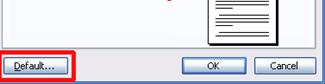
You may have noticed a default button in the bottom left hand corner of the Margin, Paper, and Layout tabs. After setting page setup options, you can click the Default button to set your options as the default for all documents based on the template you’re currently using. (We’ll get into global templates a bit later on.) This can be useful if you always use a certain paper size, orientation, or margin setup. If you change your mind at any time, you can go back into Page Setup, change your options, and click Default to change the default settings again.
|