Another way to get help is with the Office Assistant. The Office Assistant, AKA Clippy, is an animated character who will show up when you need help (and sometimes when you don’t.).
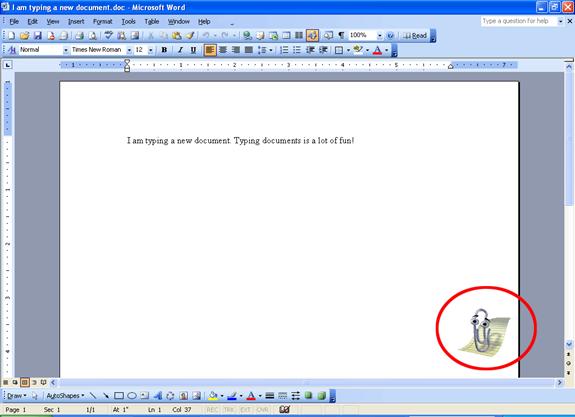
To enable the Office Assistant, click the Help menu and click Show the Office Assistant. Clippy the Office Assistant will appear on your screen:
Clippy will show up in all your Office documents, and even in your other Office programs.
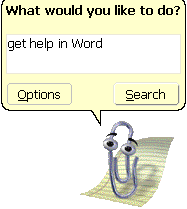
If you have a question, just click Clippy and type in the text box. Then, click Search. Your results will appear in the task pane just like they did when we used help from the menu. (If the help task pane isn’t open, Clippy will open it for you.)
You can also drag Clippy to any part of your screen in-case he is in the way.
If you don’t need help and you’re bored, you can right-click on Clippy and click Animate and he’ll do tricks for you! You can also hide Clippy by right-clicking him and clicking Hide Office Assistant (or by clicking the Help menu and clicking Hide Office Assistant). If you hide Clippy enough, he will ask you if you want him to go away.
|