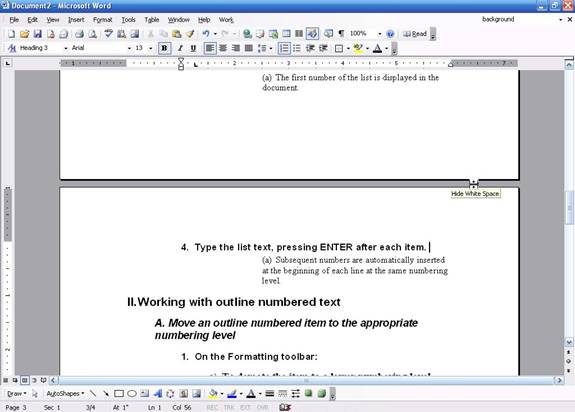
For most purposes, you will want to use print layout. Your document will appear on the screen exactly how it will appear on paper. Horizontal and vertical rulers will be present. And, you will be able to see all elements in your document, including headers, footers, backgrounds, all pictures, and drawing objects. A gray space will appear between pages; you can click on it so that the text on each page is contiguous. Here’s an example of print layout with the white space:
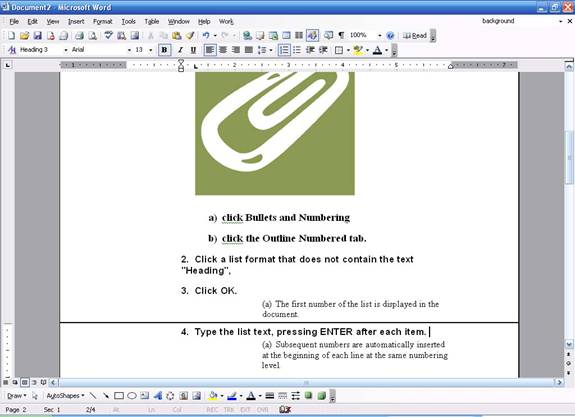
If we choose to hide the white space, here’s what we see:
You can hide or unhide white space at any time just by clicking on it.
|