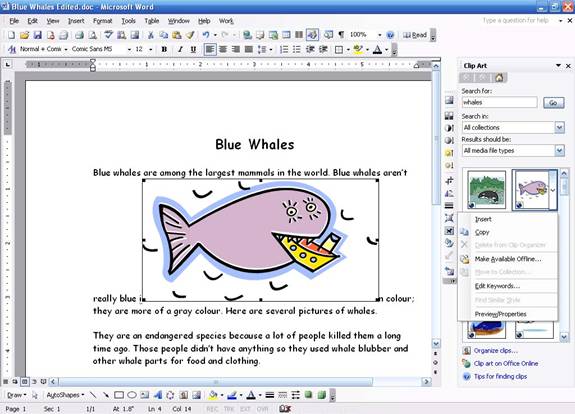
Once you have results in the ClipArt task pane, it’s time to put them in your document. All you have to do is double-click the file to place it in your document. You can also right-click the file in the task pane and click copy, place your cursor in your document, and click Paste. Here’s an example of ClipArt in a document:
|