Microsoft Office Word 2003 comes with hundreds of ClipArt images. As well, you can search for more ClipArt, as well as movies, sounds, and photographs, on the Office Online Web site.
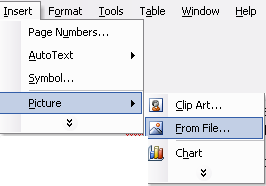
Office 2003 comes with some new tools to help you search through all of that data easily. To start the process, click the Insert menu, choose Picture, and choose ClipArt.
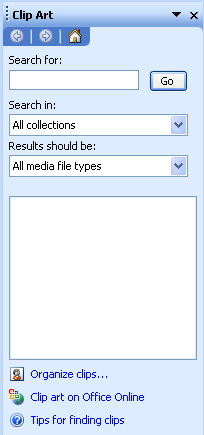
When you do this, the ClipArt task pane will appear on the right hand side of the screen, like this:
Let’s take a look at the different parts of this task pane.
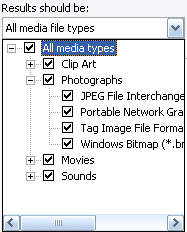
You can expand or zip up these collections using the plus or minus signs, and then check the collections you want to search, and uncheck those you don’t. This can be really useful if you want to search for a specific picture such as a cow; you can search only in the animals and agriculture categories which will reduce your search time.
|