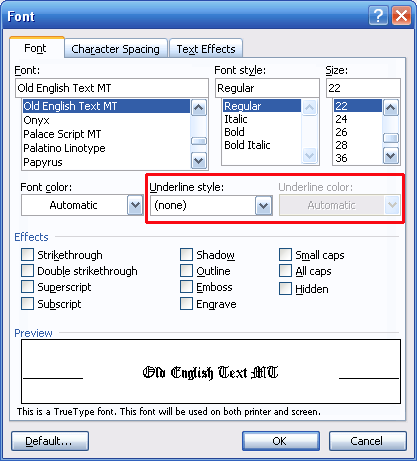
You can customize underlining even further by clicking the Format menu and clicking Fonts. Let’s look at those options.
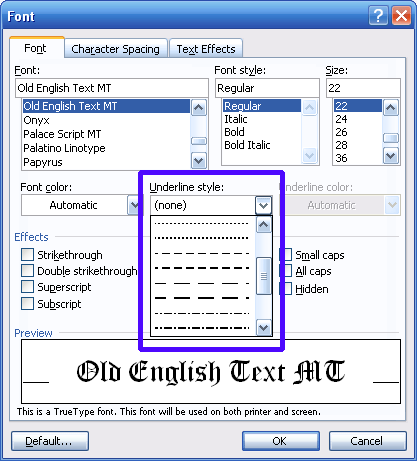
You can use these options to modify the style and colour of underlining. (The colour options will not be available until you have chosen a style.) You can click the style box to choose from a list of styles, like this:
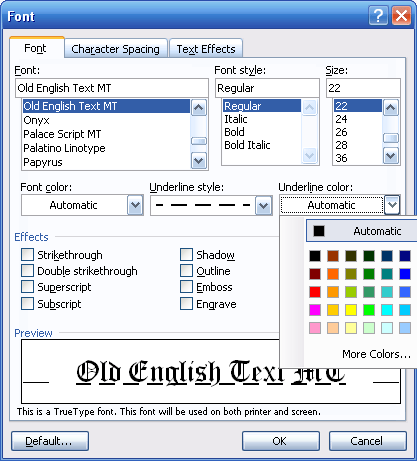
You can then do the same for the underlining colour menu.
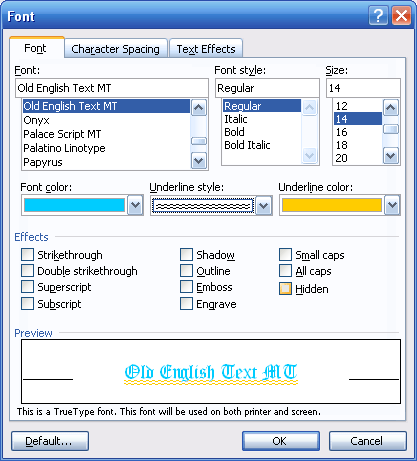
Any changes you make here will also reflect in the preview portion of the window. Here’s an example:
It’s a good thing we can see a sample because this probably isn’t a colour scheme you would want to use on most documents! If you do want to apply these changes, however, click the OK button. If you decide not to use these choices, click Cancel for the changes to be discarded. |