Once you’ve got your files saved, you can open them again. To open a file, use one of these methods:
-
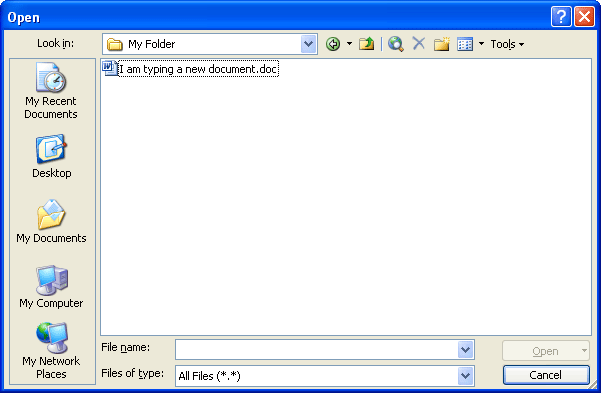
Click the Open button ( - Press Ctrl + O. - Click the File menu and click Open. - Click the Start menu, click Programs (or All Programs), and click Open Office Document. Any of the above methods will open this window:
The concept is the same as the Save dialog box. Browse to the location of your file using the icons on the left or the Look-In drop-down menu. Once you see your file, click it once to select it and then click Open. Your file will then open in the main Word window. |


 ) on the
standard toolbar.
) on the
standard toolbar.